Step by Step Web Redesign for Magento Ecommerce Success

A Magento store that feels sluggish or confusing can quietly drain profits and frustrate customers. For British ecommerce managers and B2B owners, rethinking your site starts with clear purpose and actionable insight. Defining business objectives and auditing your current platform lay the groundwork for every smart redesign decision, helping you shape a store that works harder for your goals. Thorough planning and auditing drive meaningful gains in performance and customer satisfaction.
Table of Contents
- Step 1: Define Goals And Audit Existing Site
- Step 2: Map User Journeys And Create Wireframes In Figma
- Step 3: Build And Optimise New Design For Performance
- Step 4: Test Key Features And Verify Security Compliance
- Step 5: Launch Updated Site And Monitor Results
Quick Summary
| Key Point | Explanation |
|---|---|
| 1. Define Clear Goals | Establish specific, measurable objectives for your redesign to ensure focused efforts and successful outcomes. |
| 2. Conduct a Thorough Site Audit | Evaluate your current Magento store to pinpoint strengths and weaknesses, which will inform design decisions and priorities. |
| 3. Map User Journeys | Create detailed user journey maps to understand customer interactions and improve the overall user experience during the redesign. |
| 4. Prioritise Performance in Development | Maintain speed and efficiency by implementing strategies like image optimisation and a Content Delivery Network during the build phase. |
| 5. Monitor Metrics Post-Launch | Track key performance indicators immediately after launch to identify issues quickly and adjust strategies for continual improvement. |
Step 1: Define goals and audit existing site
Before you touch a single line of code, you need to know what you’re actually trying to achieve. A web redesign without clear goals is like sailing without a destination—you might move, but you won’t get anywhere profitable. This step involves defining your business objectives and thoroughly examining your current Magento store to understand what’s working and what isn’t.
Start by writing down your specific business goals for the redesign. Are you trying to increase conversion rates by 25 percent? Reduce cart abandonment? Improve customer retention? Launch into new markets? These should be measurable, concrete targets—not vague aspirations. When defining business objectives, clarity matters because every decision you make later will either support these goals or distract from them.
Once your goals are locked in, conduct a thorough audit of your existing Magento site. This isn’t about guessing; it’s about gathering real data.
Here’s what to examine:
- Current conversion rates and where visitors drop off in the checkout process
- Page load speeds and mobile responsiveness across key templates
- Search functionality and how easily customers find products
- User experience pain points in navigation, filtering, and account management
- Technical performance metrics including server response time and Core Web Vitals
- Security posture and compliance status
- Traffic sources and customer behaviour patterns from analytics
Document everything in a spreadsheet or audit tool. You’ll be amazed how much poor performance compounds when you see it all in one place. Look for patterns: are mobile visitors abandoning faster than desktop users? Do certain product categories perform better than others? Does your current search strategy align with how customers actually hunt for products?
Your audit findings become the benchmark against which you’ll measure success after the redesign launches.
Compare your current performance against your goals. If your goal is a 25 percent conversion lift but you’re currently losing 40 percent of visitors at product pages due to poor imagery or slow load times, you’ve identified a critical priority. This isn’t just about identifying problems—it’s about understanding the financial impact of fixing them.
Below is a summary of how audit findings influence business priorities:
| Audit Finding | Possible Impact | Priority Action |
|---|---|---|
| High cart abandonment on mobile | Lost mobile revenue | Optimise mobile checkout flow |
| Slow product page load times | Lower search rankings | Image compression and CDN |
| Poor product search usability | Frustrated users | Redesign search interface |
| Security compliance gaps | Legal and trust risks | Urgent patching and testing |
| Strong conversion in one category | Opportunity for growth | Replicate success elsewhere |
Consider how your existing site aligns with your business strategy. For B2B brands, this might mean reviewing tiered pricing functionality, account hierarchies, and bulk ordering capabilities. For DTC retailers, focus on personalisation, product discovery, and post-purchase engagement features.
Pro tip: Create a simple scorecard rating your current site performance in key areas (0-10 scale) against competitor benchmarks, then use this as your baseline for measuring redesign success after launch.
Step 2: Map user journeys and create wireframes in Figma
Now that you understand your goals and current performance, it’s time to visualise how customers will actually interact with your redesigned store. This step transforms your audit findings into a clear roadmap by mapping user journeys and translating those into wireframes within Figma. You’re essentially planning the experience before you build it.
Start by identifying your core user journeys. These aren’t generic flows—they’re specific paths real customers take through your store. For a B2B brand, you might map the journey of a wholesale buyer discovering bulk pricing. For a DTC retailer, you might map someone comparing products, reading reviews, and reaching checkout. Mapping a user’s whole problem involves understanding the entire interaction experience, from initial awareness through post-purchase engagement.
Break each journey into distinct stages. Where does the customer enter? What information do they need at each point? Where might they hesitate or abandon? Document these touchpoints clearly because they’ll become your wireframe focus areas.
Once you’ve mapped the journeys, open Figma and begin wireframing. Start at a low-fidelity level—don’t worry about colours, fonts, or final design yet. Focus purely on structure and flow.
Your wireframes should address these elements:
- Navigation structure and how products are discovered and filtered
- Product page layout including imagery, specifications, and social proof
- Cart and checkout flow with minimised friction points
- Account management and order history sections
- Search bar placement and how results are displayed
- Mobile responsiveness and how the layout adapts
- Trust signals and security badges placement
Work collaboratively in Figma. Share your wireframes with your team, stakeholders, and ideally some actual customers. Get feedback early. Iterate quickly. This is where mistakes are cheap to fix—not after development.
Wireframes are your conversation tool; they make abstract ideas concrete before anyone writes a line of code.
Focus on user experience logic. Does the checkout process match how your customers actually want to buy? Are B2B account hierarchies clearly represented? Can customers find products the way they naturally search?
Test your wireframe logic against your original goals. If one of your targets was reducing cart abandonment by 20 percent, does your new checkout design address the friction points you identified in your audit?
Pro tip: Create interactive prototypes in Figma by linking wireframe screens together, then user test them with 5-10 real customers before development begins—this catches major UX issues whilst changes cost nothing.
Step 3: Build and optimise new design for performance
Your wireframes are approved and your vision is clear. Now comes the build phase—translating your designs into a live Magento store that performs brilliantly. This step focuses on constructing your new design whilst keeping performance at the forefront of every decision.

Start by setting clear performance benchmarks before development begins. Speed matters more than you think. A one-second delay in page load can reduce conversions by 7 percent. Setting performance metrics for your service ensures you have measurable targets to hit. Define your goals: Core Web Vitals scores, page load times under three seconds, 99.9 percent uptime targets, and mobile Lighthouse scores above 85.
During development, prioritise these technical foundations:
- Implement a modern frontend framework like Hyvä to reduce JavaScript bloat
- Optimise your Magento theme for speed—custom code should never slow down the store
- Use a Content Delivery Network (CDN) to serve assets from locations near your customers
- Compress and properly format all product images for web
- Minimise HTTP requests and leverage browser caching
- Implement lazy loading for images below the fold
- Enable GZIP compression on your server
Test continuously throughout development. Don’t wait until launch day to discover your checkout is slow on mobile. Use tools like Google PageSpeed Insights and GTmetrix to monitor progress. Test on actual devices, not just your development machine.
A performant store isn’t a luxury—it’s the foundation of every conversion rate improvement you’ll make.
Pay special attention to conversion-critical pages. Your product pages and checkout flow should be lightning-fast. B2B customers need rapid filtering and bulk ordering functionality that doesn’t lag. DTC customers expect instant search results and seamless product comparisons.
Optimise your product imagery strategically. Large, unoptimised images kill performance. Compress without sacrificing quality. Use WebP format where browsers support it. Consider how product images display across devices—a customer on a 4G mobile network shouldn’t wait five seconds for photos to load.
Security and performance go hand-in-hand. Your redesigned store should use HTTPS everywhere, have strong password policies, and implement proper API rate limiting. A fast store that’s also vulnerable isn’t a win.
Pro tip: Establish a performance budget early (e.g., total page weight under 2MB, Core Web Vitals scores above 75) and enforce it throughout development—this prevents performance creep before it happens.
Step 4: Test key features and verify security compliance
Your new store is built. Before you go live, you need to thoroughly test every feature and ensure you meet security compliance requirements. This step protects your business, your customers, and your reputation. A single security breach or broken checkout can cost far more than testing ever will.
Start with functional testing. Every feature you designed should work exactly as intended. Test on multiple browsers, devices, and network speeds. Don’t assume anything works—verify everything.
Your testing checklist should cover:
- Product search, filtering, and sorting functionality across all categories
- Product page displays, image galleries, and specification accuracy
- Shopping cart adding, updating, and removing items seamlessly
- Checkout flow across desktop, tablet, and mobile devices
- Payment processing with your selected gateway
- User account creation, login, and password recovery
- Order confirmation emails and customer notification systems
- Admin functions including order management and product updates
- B2B features like tiered pricing, bulk ordering, and account hierarchies (if applicable)
Moving to security, this isn’t optional. Baseline technical controls for cyber security include access controls, firewalls, secure authentication, and data protection. Your Magento store handles sensitive customer payment and personal data. Non-compliance isn’t just risky—it’s legally problematic in the UK.
Conduct a security audit before launch. This covers:
- SSL certificate validity and HTTPS enforcement on all pages
- PCI DSS compliance for payment handling
- Strong password requirements and session management
- Regular security patching and vulnerability assessments
- Data encryption both in transit and at rest
- API authentication and rate limiting
- User permission controls and role-based access
Security isn’t a feature to add later—it’s a foundation requirement from day one.
Consider hiring a professional penetration tester. They’ll attempt attacks your team might miss. Test for SQL injection vulnerabilities, cross-site scripting (XSS), and API weaknesses. For B2B stores handling wholesale accounts, test permission boundaries rigorously—one user shouldn’t access another account’s pricing or order history.
Document every test result. When bugs appear, log them with reproduction steps. Prioritise fixes by severity—security issues and checkout failures demand immediate attention. Minor visual glitches can wait until after launch if necessary, but not security gaps.
Pro tip: Use automated testing tools like Selenium for regression testing, then combine with manual testing for user experience flows—automation catches code breaks quickly whilst humans spot UX problems machines miss.
Step 5: Launch updated site and monitor results
Launch day is thrilling and terrifying in equal measure. Your redesigned store goes live. But the work doesn’t stop when you flip the switch—it intensifies. This step covers launching smoothly and then watching what actually happens with real customers.
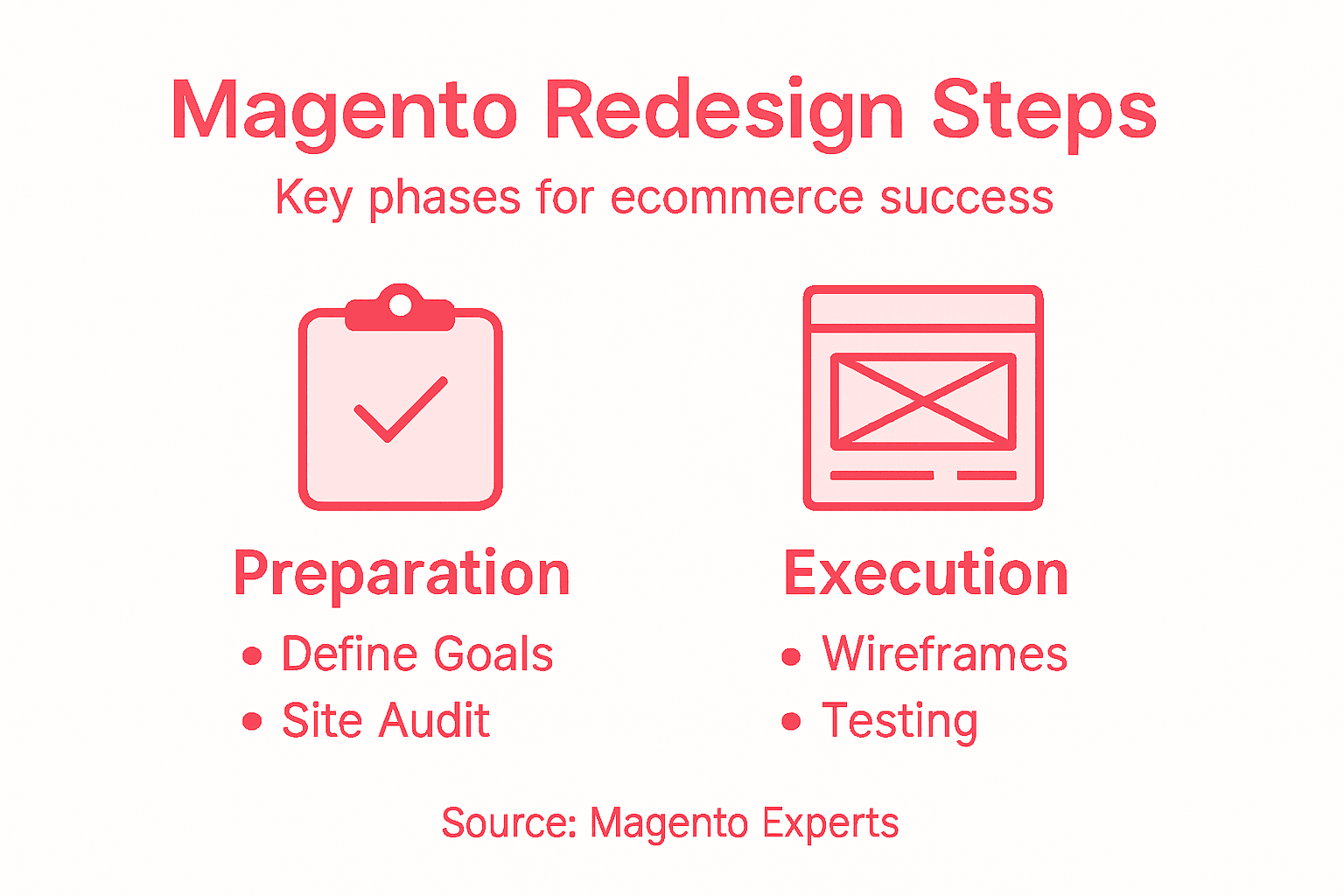
Before going live, prepare your launch plan. Schedule the migration during a quiet traffic period, ideally overnight or early morning. Have your team standing by. Brief your customer support team on new features so they can help customers navigate changes. Create a launch checklist covering redirects, DNS updates, SSL certificates, and analytics setup.
Execute your launch methodically:
- Test all redirects from your old site to new product pages to preserve search engine rankings
- Verify analytics tracking is firing correctly on every page
- Check that all integrations (payment gateways, inventory systems, email marketing) are connected
- Monitor server performance during the first hours of traffic
- Have a rollback plan ready just in case something critical breaks
- Communicate with customers about the redesign via email and on-site banners
Once live, monitoring becomes critical. Tracking key performance data allows you to spot problems quickly and identify improvement opportunities. Set up real-time alerts for errors, traffic spikes, and conversion drops.
Watch these metrics obsessively for the first week:
Here is a quick comparison of post-launch metrics you should track:
| Metric | Why It Matters | Response If Declining |
|---|---|---|
| Conversion rate | Measures overall success | Review UX and load speed |
| Cart abandonment rate | Diagnoses purchase drop-offs | Simplify checkout process |
| Page load time | Affects user retention | Optimise assets and scripts |
| Customer support tickets | Highlights emerging issues | Investigate for new bugs |
| Revenue per visitor | Tracks sales efficiency | Test promotional strategies |
- Conversion rate compared to your redesign goal
- Cart abandonment rate and where customers drop off
- Page load times and error rates
- Traffic sources and behaviour flow
- Customer support tickets and complaint themes
- Revenue per visitor and average order value
- Mobile versus desktop performance differences
The first week reveals whether your redesign solves real customer problems or creates new ones.
Be ready to respond quickly. If checkout suddenly takes ten seconds to load, investigate immediately. If customers can’t find a key product category, fix it today. Small issues compound into big revenue losses when ignored.
After the first week, expand your analysis. Post-launch monitoring of customer behaviour reveals long-term patterns. Are B2B customers using tiered pricing effectively? Are DTC customers engaging with product recommendations? Which pages have the highest bounce rates?
Schedule weekly reviews of your key metrics against your original goals. Did you hit your 25 percent conversion lift target? Where did you succeed and where did you fall short? Use these insights to plan phase two improvements.
Pro tip: Set up automated daily reports delivered to your team’s email showing conversion rate, revenue, and error counts—this keeps everyone aligned on performance without requiring manual dashboard checks.
Unlock Magento Success With Expert Ecommerce Redesign Support
Redesigning your Magento store is a complex journey that demands clear goals, detailed audits, thoughtful user journey mapping, and focused optimisation for performance and security. If you are facing challenges such as high cart abandonment, slow page speeds, or insecure checkout processes, you need more than theory—you need expert support that brings your vision to life with measurable results. At Big Eye Deers, we specialise in crafting bespoke Magento solutions combining deep technical expertise with proven UX design processes using Figma. Our experience ensures your store is not only beautifully designed but also fast, secure, and aligned with your unique business goals.

Don’t let web redesign doubts hold you back from the next level of ecommerce growth. Explore how our Magento Open Source and Adobe Commerce builds integrate custom catalogues, tiered pricing, and ERP systems tailored to your trading model. Benefit from user journey insights turned into high-impact wireframes, optimised frontends using Hyv�, and security monitoring with Sansec to keep you PCI compliant. Start your transformation today by visiting Big Eye Deers and taking control of your Magento redesign with confidence.
Frequently Asked Questions
What are the first steps in a Magento web redesign?
Begin by defining clear business goals for your redesign, such as increasing conversion rates or reducing cart abandonment. Conduct a thorough audit of your existing site to identify areas needing improvement, documenting your findings in a structured way for reference.
How can I effectively map user journeys for my Magento store?
Identify specific paths that real customers take through your store, like B2B buyers accessing bulk pricing or DTC customers comparing products. Break these journeys down into distinct stages, ensuring each interaction is aligned with user needs and reflects your audit findings.
What performance benchmarks should I set during the redesign?
Establish clear metrics such as Core Web Vitals scores, page load times under three seconds, and uptime targets of 99.9 per cent. Setting these benchmarks will help you measure success during and after development, ensuring your site meets customer expectations.
What testing should I conduct before launching my redesigned Magento store?
Prior to launch, perform comprehensive functional testing to ensure every feature works as intended across multiple devices and browsers. Create a checklist covering key functionalities like product search and checkout flow to verify that everything runs smoothly.
How can I monitor my Magento store’s performance after the redesign?
After launch, track key performance metrics such as conversion rates, cart abandonment rates, and page load times. Set up real-time alerts for any issues that arise, allowing you to respond quickly and make necessary adjustments to enhance user experience.
What should I do if I see a drop in conversion rates post-launch?
If you notice a decrease in conversion rates, investigate the factors contributing to this decline, such as loading speed or user experience issues. Analyse specific metrics related to the failure, and prioritise improvements to address any high-impact problems quickly.
Recommended
- Step by Step Web Design Process for Ecommerce Sites
- How to Plan Ecommerce Project for Magento & Shopify Success
- eCommerce Trends and Magento’s Capabilities | Big Eye Deers
- Ecommerce Web Design: Impact on Retail Success
- Ghid step by step vânzări Amazon pentru branduri de succes | Blog Agile Consultancy



Adobe Commerce (Magento)
Formerly known as Magento, Adobe Commerce is built for complex catalogues, integrations, and long term growth. We design and develop stable, scalable stores that support demanding eCommerce requirements, including multi-store setups, complex pricing, and Hyva based performance improvements.

Bespoke Build
We design and build custom eCommerce platforms for businesses with complex workflows, integrations, or non standard requirements. Built from scratch around your business needs using Laravel and modern architectures.
Working with brands across the UK from our offices in Cardiff and Exeter, you deal directly with a senior team of designers and developers specialising in Shopify, Magento, WordPress and bespoke eCommerce platforms.
We focus on commercial outcomes. Better conversion rates, strong SEO foundations and eCommerce platforms that continue to improve long after launch.