Web Accessibility: Why It Matters for Ecommerce

Facing new accessibility regulations can leave even experienced British ecommerce managers questioning whether their Magento or Shopify site truly welcomes all shoppers. Upgrading for compliance matters, but the bigger impact is transforming the online experience for people with disabilities. This article clarifies the meaning of web accessibility, highlights disability categories that shape design choices, and outlines practical steps to help British retailers stay ahead of legal requirements and deliver inclusive digital storefronts.
Table of Contents
- Defining Accessibility In Web Design
- Key Types Of Disabilities And User Needs
- Legal Standards For Accessibility In The UK
- Practical Steps For Accessible Storefronts
- Risks Of Non-Compliance For Retailers
Key Takeaways
| Point | Details |
|---|---|
| Importance of Accessibility | Web accessibility is essential for creating inclusive digital environments that accommodate users with diverse abilities and preferences. |
| Key Components | The four pillars of accessibility—Perceivability, Operability, Understandability, and Robustness—should guide web design practices. |
| Legal Compliance | Adhering to UK accessibility legislation is crucial to avoid financial penalties and ensure equitable access to digital services. |
| Proactive Strategy | Regular accessibility audits and user testing are necessary to identify barriers and enhance user experience for all customers. |
Defining Accessibility in Web Design
Web accessibility represents a critical approach to digital design that ensures websites are usable by everyone, regardless of their abilities or technological constraints. Universal design principles for digital spaces highlight the importance of creating online environments that accommodate diverse user needs.
At its core, web accessibility means designing digital platforms that can be perceived, understood, and navigated by people with various disabilities, including visual, auditory, cognitive, and motor impairments. This involves creating flexible interfaces that work across different devices, assistive technologies, and user preferences.
The key components of web accessibility include:
- Perceivability: Ensuring content can be understood through multiple sensory channels
- Operability: Designing interfaces that can be navigated using different input methods
- Understandability: Creating clear, logical content and interface structures
- Robustness: Building websites compatible with current and future technologies
Web adaptability has emerged as an advanced approach, moving beyond fixed technical standards to create more personalised digital experiences. This approach encourages user-driven customisation that allows individuals to modify interfaces according to their specific needs.
Pro tip: Conduct regular accessibility audits using automated tools and manual testing to identify and address potential barriers in your website design.
Key Types of Disabilities and User Needs
Web accessibility requires a nuanced understanding of the diverse range of disabilities that impact digital interaction. Web accessibility barriers span multiple disability categories, creating complex challenges for users navigating online environments. Each disability type presents unique interaction requirements that demand targeted design strategies.
The primary disability categories affecting web accessibility include:
- Visual Impairments: Ranging from colour blindness to complete blindness, requiring alternatives like screen readers and high-contrast interfaces
- Auditory Disabilities: Necessitating captions, transcripts, and visual communication options
- Motor Disabilities: Demanding keyboard navigation, voice control, and adaptive input methods
- Cognitive Disabilities: Requiring clear language, predictable navigation, and simplified interface designs
- Neurological Conditions: Needing designs that minimise sensory overload and support varied information processing
The UK’s web accessibility legislation recognises multiple intersecting disability needs, emphasising that accommodations must address complex, overlapping user requirements. This holistic approach acknowledges that disabilities are not isolated experiences but interconnected aspects of user experience.
Technological solutions play a crucial role in bridging accessibility gaps. Assistive technologies like screen readers, voice recognition software, and specialised input devices transform digital spaces, enabling more inclusive online interactions.

Pro tip: Conduct user testing with individuals representing different disability types to gain authentic insights into accessibility challenges.
Here’s a comparison of disability categories and the specific web accessibility features that best support each:
| Disability Category | Optimal Accessibility Features | Typical User Needs |
|---|---|---|
| Visual Impairments | Screen readers, high-contrast modes | Clear text, image descriptions |
| Auditory Disabilities | Captions, transcripts, visual alerts | Text alternatives, signifiers |
| Motor Disabilities | Keyboard access, voice controls | Simple navigation, minimal interactions |
| Cognitive Disabilities | Clear language, consistent layout | Predictable workflow, reduced cognitive load |
| Neurological Conditions | Adjustable content, reduced sensory stimuli | Customisable interfaces, gradual information delivery |
Legal Standards for Accessibility in the UK
Web accessibility in the United Kingdom is governed by comprehensive legal frameworks designed to ensure digital inclusivity across public and private sectors. Public sector accessibility regulations mandate specific standards that significantly impact how organisations design and maintain their digital platforms.
Two primary legislative instruments shape web accessibility requirements in the UK:
- Public Sector Bodies Accessibility Regulations 2018: Specifically targeting government and public sector websites and mobile applications
- Equality Act 2010: Providing broader protections against digital discrimination across all sectors
The core legal requirements focus on meeting WCAG 2.2 AA standards, which establish clear guidelines for creating accessible digital content. These standards require websites to be:
- Perceivable: Information must be presentable to users in ways they can comprehend
- Operable: Interface components and navigation must be usable by everyone
- Understandable: Content and operations must be clear and predictable
- Robust: Content must be compatible with current and future assistive technologies
UK accessibility legislation extends beyond mere technical compliance, emphasising the fundamental right of equal access to digital services. This approach recognises that accessibility is not just a technical requirement but a critical aspect of social equality.
Pro tip: Consult with a legal specialist in digital accessibility to ensure your website meets all current UK regulatory standards.
The following table summarises UK legal obligations and the business impact of digital accessibility compliance:
| Legislation | Applicability | Compliance Requirement | Business Impact |
|---|---|---|---|
| Equality Act 2010 | All sectors | Non-discrimination | Spans all digital services |
| Public Sector Bodies Accessibility Regulations 2018 | Public sector websites | WCAG 2.2 AA standards | Mandatory for government platforms |
| WCAG 2.2 AA | Industry benchmark | Perceivable, Operable, Understandable, Robust | Enhances brand trust and reach |
Practical Steps for Accessible Storefronts
Creating an accessible ecommerce storefront requires strategic design choices that prioritise user experience across diverse user needs. Small business accessibility best practices reveal critical strategies for developing inclusive digital platforms that welcome all potential customers.
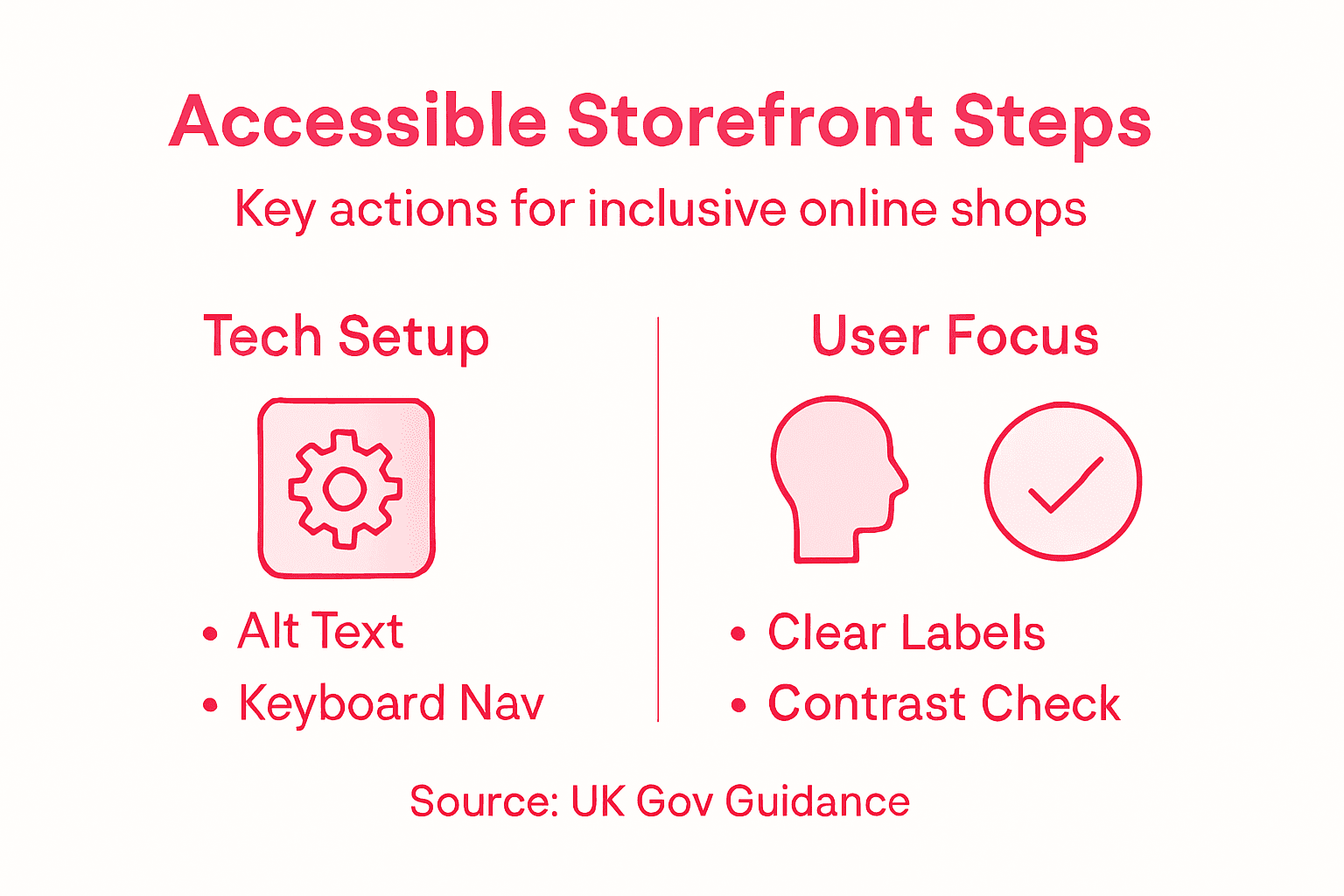
Key practical steps for enhancing storefront accessibility include:
- Navigation Design: Create clear, consistent menu structures with descriptive link text
- Image Alternatives: Provide comprehensive alt text for all product and decorative images
- Colour Contrast: Ensure sufficient colour contrast between text and background elements
- Keyboard Navigation: Enable full website functionality via keyboard controls
- Form Accessibility: Design forms with clear labels, error messages, and logical tab sequences
Technical implementation demands a comprehensive approach. Government accessibility guidance recommends embedding accessibility considerations throughout the entire design and development process, including continuous testing and refinement of digital interfaces.
Advanced accessibility strategies involve using automated testing tools, conducting manual assessments with assistive technologies, and recruiting users with disabilities to provide direct feedback on interface usability. This holistic approach ensures that digital storefronts are not just technically compliant, but genuinely inclusive.
Pro tip: Regularly conduct accessibility audits using both automated tools and real-world user testing to identify and address potential barriers in your online store.
Risks of Non-Compliance for Retailers
Ecommerce businesses face significant legal and financial risks when neglecting web accessibility standards. Non-compliance consequences for digital services can be dramatically more expensive than implementing inclusive design strategies.
The potential risks for non-compliant retailers include:
- Financial Penalties: Potential fines exceeding €150,000
- Legal Action: Risk of enforcement orders and potential lawsuits
- Market Exclusion: Possible restriction from key commercial markets
- Reputational Damage: Negative brand perception and loss of customer trust
- Competitive Disadvantage: Reduced market reach and customer engagement
Digital accessibility regulations are becoming increasingly stringent, with regulators actively pursuing organisations that fail to meet established accessibility standards. These enforcement actions extend beyond mere technical compliance, encompassing a holistic approach to inclusive digital design.
The commercial implications of non-compliance extend far beyond immediate financial penalties. Retailers risk alienating a significant portion of potential customers, reducing their market reach and potentially facing long-term brand damage that can be far more costly than proactive accessibility investments.
Pro tip: Allocate a dedicated budget for accessibility testing and remediation to mitigate potential legal and commercial risks.
Make Your Ecommerce Store Truly Accessible and Inclusive
Addressing web accessibility in ecommerce is more than a legal obligation in the UK — it is essential for creating an inclusive shopping experience that respects the diverse needs of all customers. If you are seeking to overcome challenges such as perceivable content, operable navigation, and understandable interfaces mentioned in the article, you need an expert partner who understands the nuances of WCAG 2.2 AA compliance and practical accessibility design.

Big Eye Deers specialises in designing and building ecommerce platforms that prioritise accessibility without compromising performance or user experience. With over 17 years of experience in Magento and Shopify solutions, we create customised storefronts that support keyboard navigation, clear product descriptions, and logical layouts to meet both accessibility standards and your business goals. Start building an ecommerce site that is secure, inclusive, and designed for long-term growth today by visiting Big Eye Deers. Discover how we integrate user-centred design and ongoing support on our ecommerce services page to ensure your store is compliant and competitive.
Frequently Asked Questions
What is web accessibility in ecommerce?
Web accessibility in ecommerce refers to designing online shopping platforms that are usable by all individuals, including those with disabilities. This involves ensuring that websites are perceiveable, operable, understandable, and robust for users with diverse needs.
Why is web accessibility important for online retailers?
Web accessibility is crucial for online retailers because it promotes inclusivity, allows access to a larger customer base, and can help avoid potential legal penalties. An accessible website enhances customer experience and trust, ultimately driving sales and brand loyalty.
What are some key features of an accessible ecommerce site?
Key features of an accessible ecommerce site include clear navigation, comprehensive alt text for images, sufficient colour contrast, full keyboard navigability, and well-structured forms. These elements ensure that users with different disabilities can effectively interact with the site.
How can an ecommerce business ensure compliance with accessibility standards?
An ecommerce business can ensure compliance with accessibility standards by adhering to WCAG (Web Content Accessibility Guidelines), conducting regular accessibility audits using automated tools and manual testing, and involving users with disabilities in the testing process to gather authentic feedback.
Recommended



Adobe Commerce (Magento)
Formerly known as Magento, Adobe Commerce is built for complex catalogues, integrations, and long term growth. We design and develop stable, scalable stores that support demanding eCommerce requirements, including multi-store setups, complex pricing, and Hyva based performance improvements.

Bespoke Build
We design and build custom eCommerce platforms for businesses with complex workflows, integrations, or non standard requirements. Built from scratch around your business needs using Laravel and modern architectures.

Working with brands across the UK from our offices in Cardiff and Exeter, you deal directly with a senior team of designers and developers specialising in Shopify, Magento, WordPress and bespoke eCommerce platforms.
We focus on commercial outcomes. Better conversion rates, strong SEO foundations and eCommerce platforms that continue to improve long after launch.